Goal
Establish a disaster recovery strategy for PostgreSQL clusters running via CloudNativePG (CNPG). This note covers configuring continuous WAL archiving to Azure Blob Storage using the Barman Cloud plugin and performing a full recovery to a new cluster.
Requirements
- CloudNativePG Operator installed in the K8s cluster.
- Barman Cloud Plugin enabled.
- Azure Storage Account and a container (e.g.,
cnpg-backups) already created. - Kubernetes Secret (
cnpg-backup-creds) containing the Azure Storage account name and key/SAS token.
Configuring Backups
1. ObjectStore Definition
The ObjectStore defines where the backups go. Here I point to Azure Blob Storage and define the retention policy.
apiVersion: barmancloud.cnpg.io/v1
kind: ObjectStore
metadata:
  name: mealie-db-objectstore
spec:
  configuration:
    destinationPath: "https://${STORAGE_ACCOUNT_NAME}.blob.core.windows.net/cnpg-backups/mealie"
    azureCredentials:
      storageAccount:
        name: cnpg-backup-creds
        key: storage-account-name
      storageSasToken:
        name: cnpg-backup-creds
        key: storage-account-key
    wal:
      compression: gzip
  retentionPolicy: "14d"
2. Cluster Configuration
I attach the Barman plugin to the cluster to enable Write-Ahead Log (WAL) archiving.
apiVersion: postgresql.cnpg.io/v1
kind: Cluster
metadata:
  name: mealie-db-00
spec:
  instances: 1
  bootstrap:
    initdb:
      database: mealie
  storage:
    size: 1Gi
  plugins:
    - name: barman-cloud.cloudnative-pg.io
      isWALArchiver: true
      parameters:
        barmanObjectName: mealie-db-objectstore
3. Scheduled Backups
While WALs provide continuous archiving, a full physical backup should be taken regularly to protect against potential data corruption. This schedule triggers a full backup daily at 3:00 AM.
apiVersion: postgresql.cnpg.io/v1
kind: ScheduledBackup
metadata:
  name: mealie-db-scheduled-backup
spec:
  schedule: "0 0 3 * * *"
  backupOwnerReference: self
  cluster:
    name: mealie-db-00
  immediate: true
  method: plugin
  pluginConfiguration:
    name: barman-cloud.cloudnative-pg.io
Verifying Backup Status
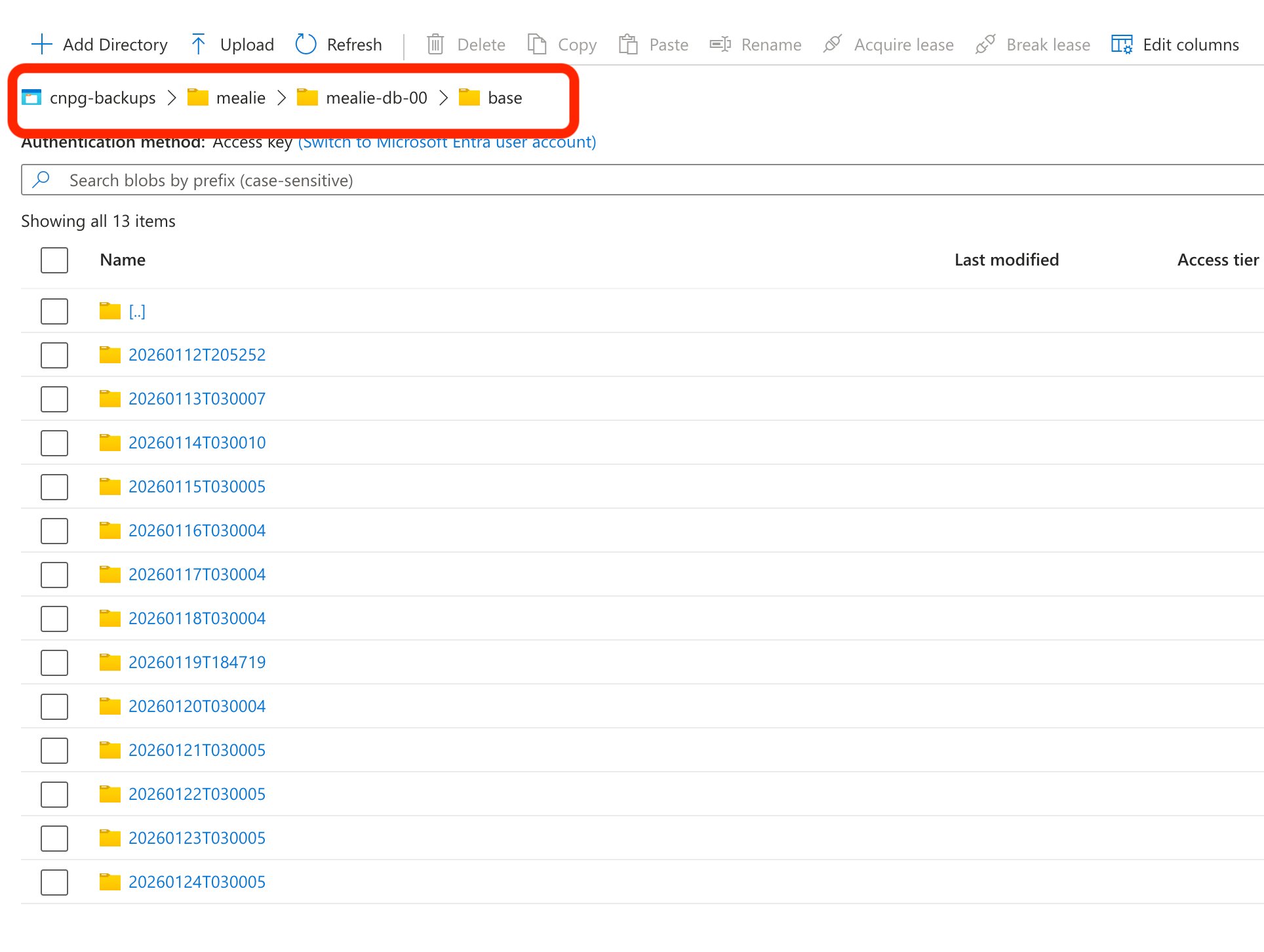
Once deployed, CNPG creates a structured hierarchy in Azure.
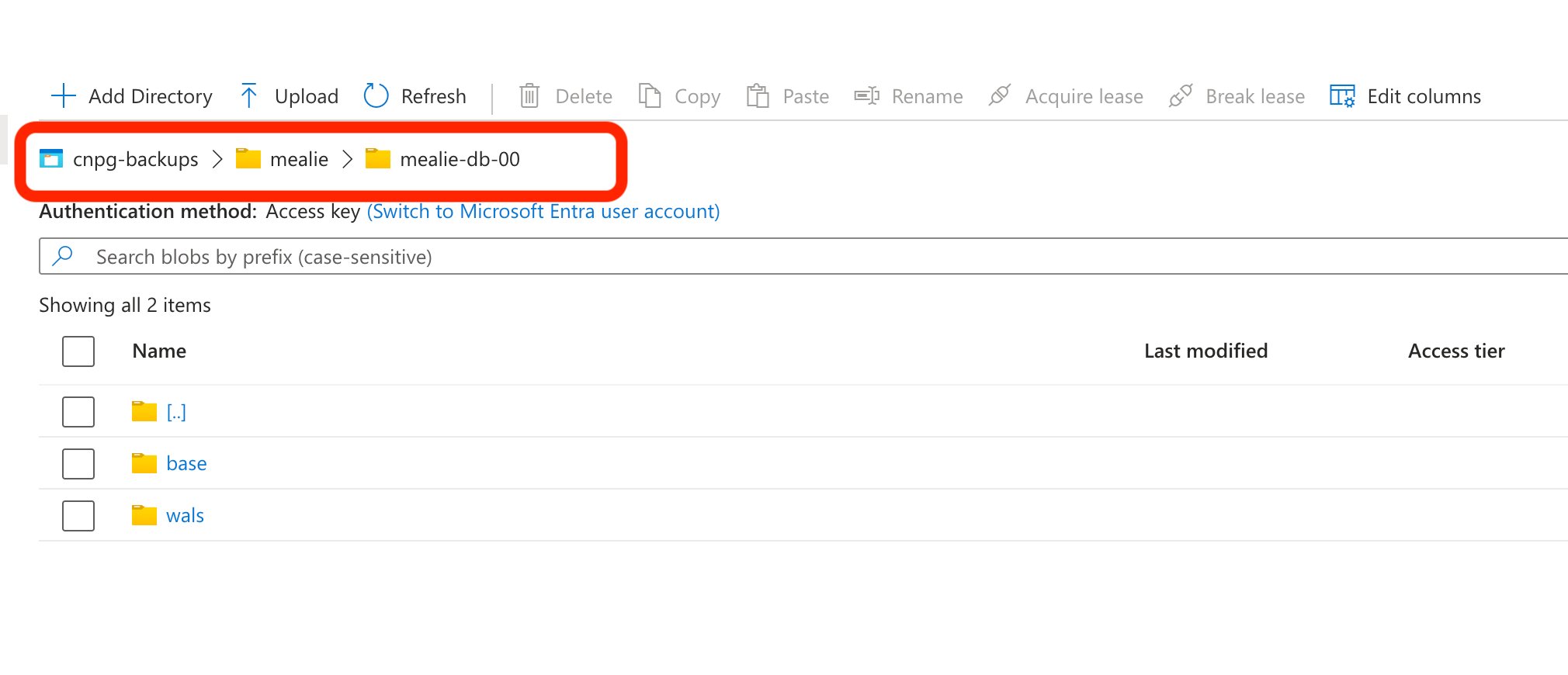
The base folder contains the full daily snapshots, while walscontains the continuous stream of transaction logs.
Cluster Health Check
Use the CNPG plugin for kubectl to verify the backup pipeline:
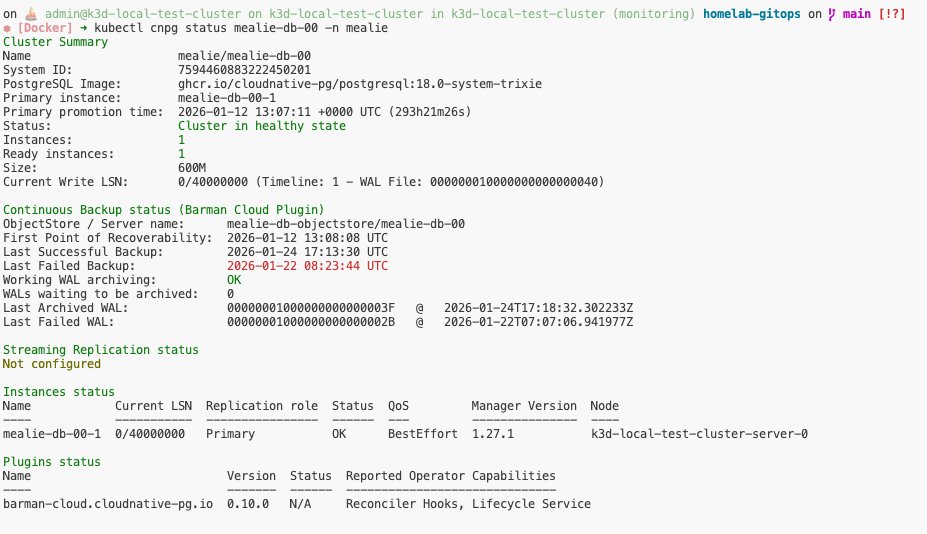
The output confirms the Continuous Backup status. Key indicators to watch:
- First Point of Recoverability: The earliest time one can restore to.
- WALs waiting to be archived: This should ideally be 0.
- Working WAL archiving: Should report OK.
Recovering the Database
In CNPG, recovery is performed by bootstrapping a new cluster from an existing backup. This prevents accidental overwrites of the “broken” cluster and allows for side-by-side verification.
Recovery Manifest
To restore, define a new cluster (mealie-db-01) and point the bootstrap.recovery.source to the external object store.
apiVersion: postgresql.cnpg.io/v1
kind: Cluster
metadata:
  name: mealie-db-01
  namespace: mealie
spec:
  bootstrap:
    recovery:
      database: mealie
      source: mealie-db-backup
  externalClusters:
  - name: mealie-db-backup
    plugin:
      name: barman-cloud.cloudnative-pg.io
      parameters:
        barmanObjectName: mealie-db-objectstore
        serverName: mealie-db-00
  instances: 1
  plugins:
  - isWALArchiver: true
    name: barman-cloud.cloudnative-pg.io
    parameters:
      barmanObjectName: mealie-db-objectstore
  storage:
    size: 1Gi
Point-in-Time Recovery (PITR):
By default, this recovers to the latest available backup. To recover to a specific moment, add
recoveryTarget.targetTime: "YYYY-MM-DD HH:MM:SS"under therecoverysection.
The Recovery Process
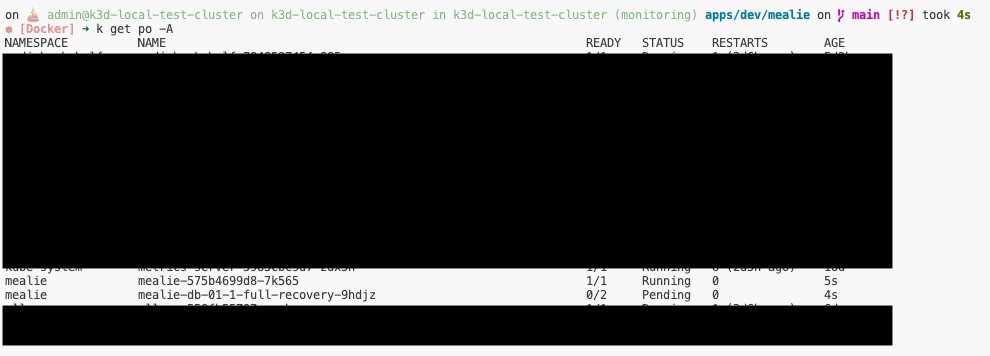
1. Full Recovery Pod
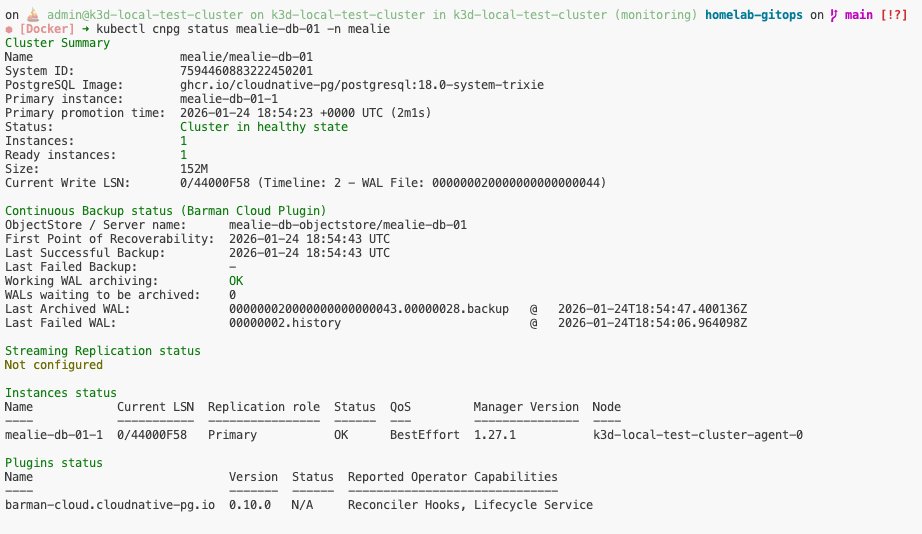
The operator will first deploy a specialized pod (e.g., mealie-db-01-1-full-recovery-...) to pull data from Azure.
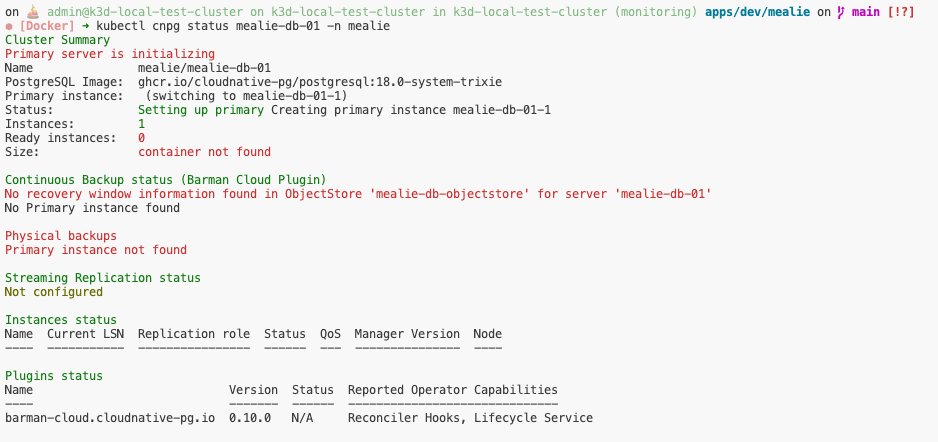
2. Initialization
The status will briefly show “Initializing” and “Setting up primary”.
3. Healthy State
Once the LSN (Log Sequence Number) is synchronized, the cluster status returns to “Healthy”, and you can point your application to the new service endpoint.