Why Deepening My Linux Knowledge?
As an MLOps/DevOps engineer, I work with Linux systems daily, even if they aren’t the core focus of my job. Although I consider myself relatively proficient in Linux for the essential tasks my role requires, I often feel that I don’t understand Linux “well enough”, and minor hiccups that could potentially take only a few minutes to resolve often end up extending to over an hour or more.
Maybe it’s just impostor syndrome, or maybe it isn’t. What I know for sure is that this feeling keeps resurfacing during my day-to-day work, and I don’t like it. The next time a (currently) mysterious error pops up, I want to feel confident in my ability to solve it—or at least know where to look—rather than feeling lost and googling randomly.
Finding the Project That Is “Just Right”
To address this, I set out to find a side project that I would both enjoy and that would help deepen my Linux knowledge. After some online research, I stumbled upon Linux From Scratch, which:
is a project that provides you with step-by-step instructions for building your own custom Linux system, entirely from source code.
Building each component of a Linux system? From source code?! This sounded both intriguing and rich with learning potential! This project is known for being highly educational due to its thorough, hands-on approach to building a system from the ground up. But after I delved into it a bit more, the initial excitement wore off. I realized it could be a steep learning curve to tackle it right now. So, I continued searching for the next few weeks, this time for an “intermediate” project—not as difficult but still rich in learning potential for my current skill level. And I think I finally found it…
Enter Arch Linux! At its core, it’s a very minimal and lightweight Linux distribution that offers users great control over every aspect of the system. It’s really an educational choice for those wanting to understand how a Linux system works under the hood. For many, including myself, this difference becomes apparent right from the installation step, where you need to decide which components and services to install. And it’s precisely this control that introduces complexity (and learning potential!).
It’s not as low-level as Linux From Scratch, but it’s definitely challenging enough to get me excited! 🤓
What About the Hardware?
With the project defined, the only step left is to find the suitable hardware. I won’t be installing it on my main machine, as I need that for work. But luckily I have an older Macbook Pro 13-inch Retina Mid-2014 that I no longer use. Although it’s stuck in time (thanks to Apple no longer providing updates) it has a 2.6GHz Intel Core i5 processor and 8GB of RAM, making it perfectly usable for everyday browsing—and an ideal match for my Linux learning goal.
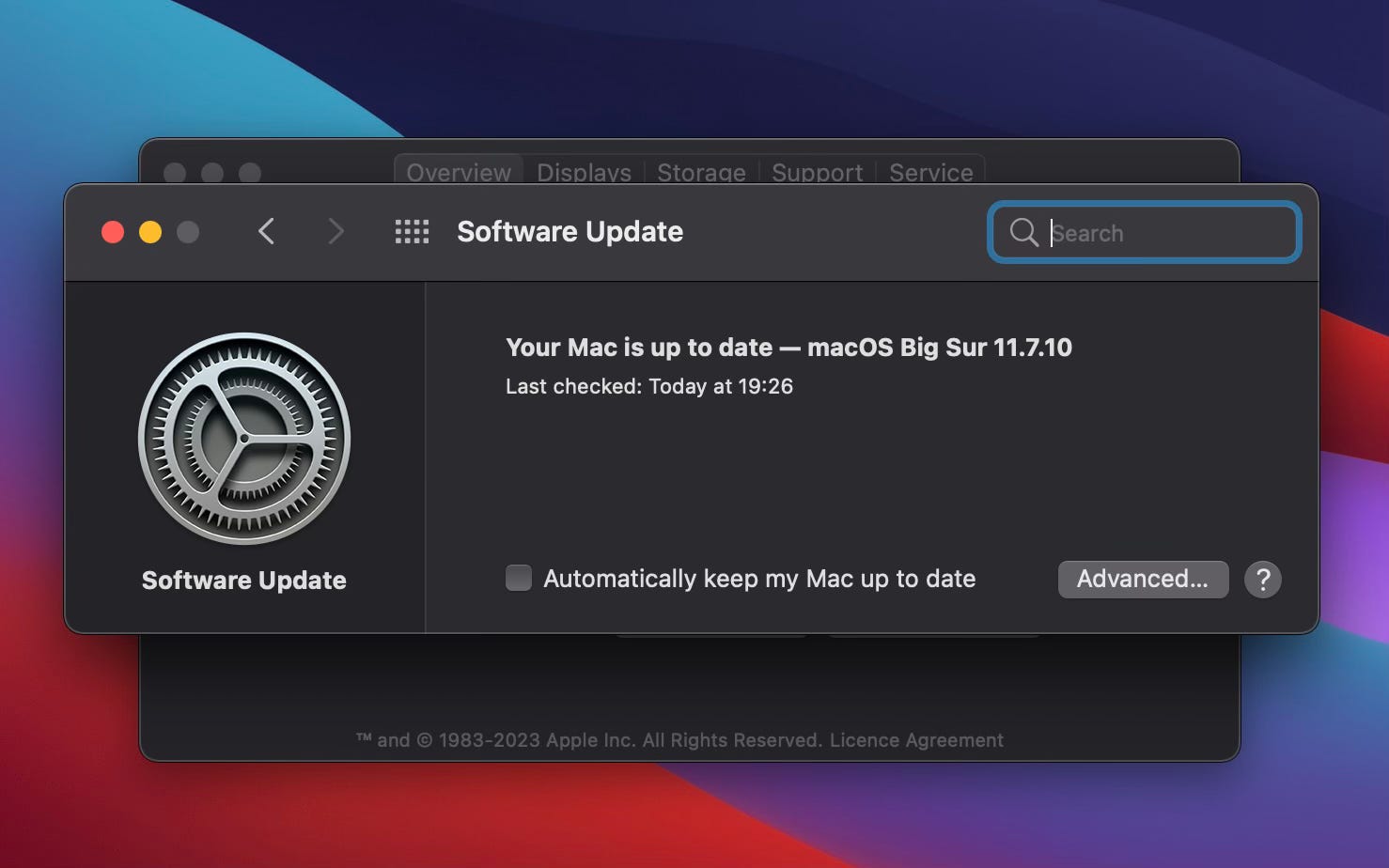 My MacBook Pro mid-2014 stuck in time…
Weekend Project: Installing Arch Linux Alongside macOS on a MacBook Pro Mid-2014
As a final touch of challenge, I’ll attempt to keep macOS installed and set up a dual-boot configuration with Arch Linux. Based on what I’ve read online, this won’t be straightforward and I expect many challenges (including partitioning of the disk and ensuring that bootloaders like systemd-boot or GRUB are configured correctly), but that only adds to the learning opportunities.
So… I’m genuinely excited! I’ll start working on this project over the weekend and aim to share my progress next week!
Update: My next post is already live! Read here: 20241112 Fully encrypted Arch Linux in Dual Boot with macOS on a MacBook Pro Mid-2014 - Part 1